
ARK has thousands of tunables. AASM's settings sub-tabs cover the common ones; the Overrides sub-tab covers the rest. Anything you can write into Game.ini or GameUserSettings.ini by hand, you can paste here and AASM merges it at write time.
Prerequisites:
- A server already added.
- The override lines you want to add (community wikis like Beacon's docs are good sources).
Step 1 - Open the Overrides sub-tab
Server tab → Overrides sub-tab.
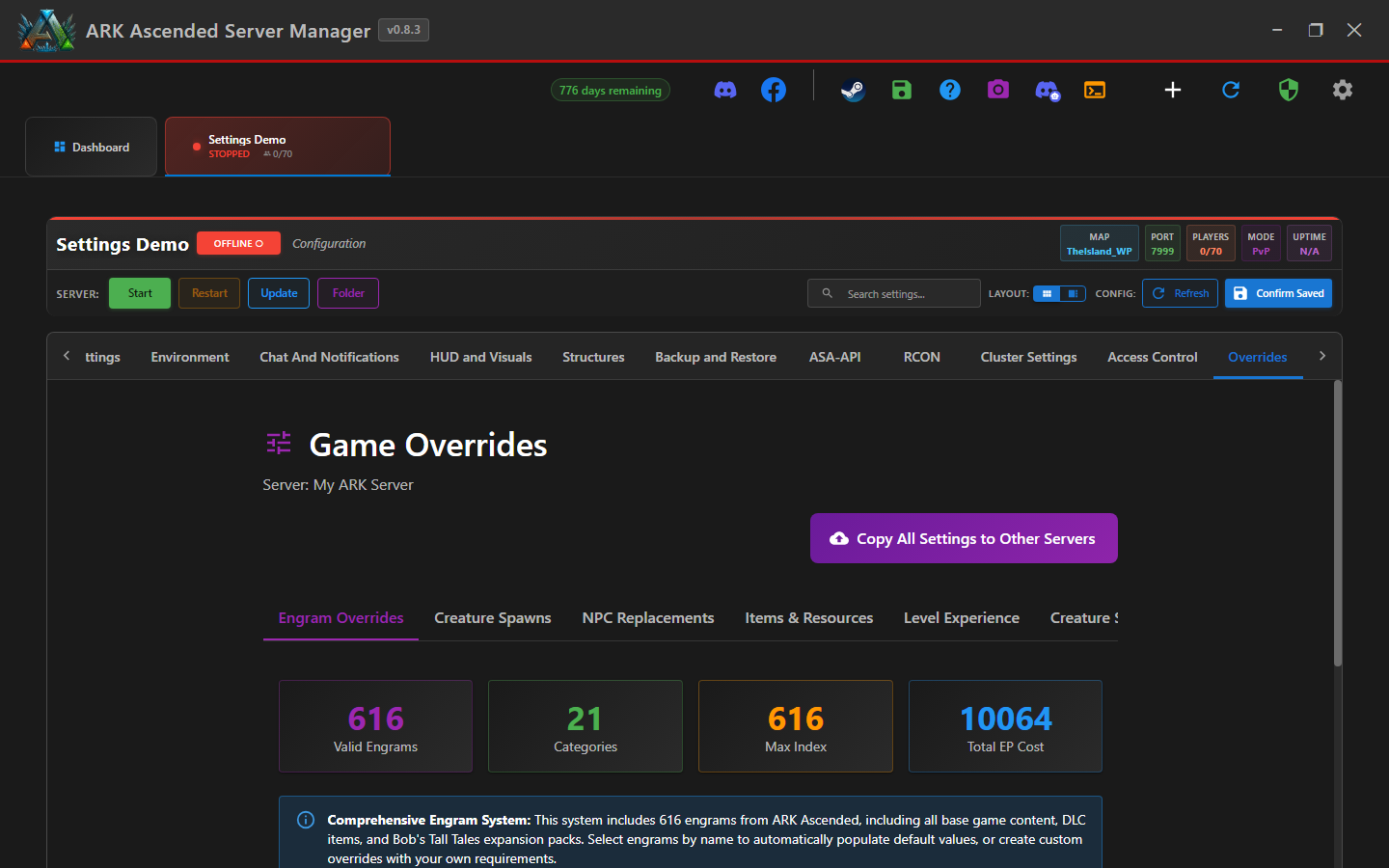
Step 2 - Pick the target file
The Overrides tab has two separate sections - one for Game.ini lines, one for GameUserSettings.ini lines. Make sure you paste the right snippet into the right section, or ARK will ignore it.
Step 3 - Paste your INI lines
Include the section header. Example for GameUserSettings.ini:
[ServerSettings]
SomeCustomKey=true
AnotherKey=42.0
Example for Game.ini:
[/script/shootergame.shootergamemode]
HarvestAmountMultiplier=3.0
CraftXPMultiplier=2.0
Step 4 - How merging works
When AASM writes the .ini files, it merges in this order:
- Base file template
- Values from the Server Settings sub-tabs (Player Settings, etc.)
- Your Overrides (these win in case of conflict)
Duplicate-section safety (v0.8.2 fix): earlier builds could create duplicate [ModSettings] sections when the case differed; v0.8.2 introduced case-insensitive section/key matching (BUG-ModSettingsCaseInsensitive). The same case-insensitive merge applies to overrides - if you paste [serversettings] and the existing file has [ServerSettings], AASM merges them rather than duplicating.
Step 5 - Save and verify
Click Confirm Saved. Restart the server. Tail the server log on first restart to spot any "could not parse config" warnings - they usually indicate a typo in your override.
Using INI Overrides for Custom Settings - done
Overrides let you customize anything. Use them sparingly, document your overrides somewhere (Discord pin / a text file), and snapshot before/after changes.