
Game.ini is the other major ARK server config file. Where GameUserSettings.ini covers headline tunables, Game.ini covers per-engram overrides (cost, prereqs), per-resource harvest multipliers, custom recipes, and dino spawn-weight class tuning.
Most admins never touch it. The ones who do typically use it for engram unlocks at higher levels or rebalancing high-stress resources like metal.
Prerequisites:
- You've already read Editing GameUserSettings.ini.
- You know the engram class name / resource path you want to tune (ARK community wikis have these).
Step 1 - Open the server tab
From the Dashboard, click the server name. Server Settings opens. Look for sub-tabs that map to Game.ini sections - most notably:
- Dino Settings - some Game.ini dino spawn-weight controls live here
- Environment - harvest amount multipliers
- Overrides - free-form Game.ini lines for anything not exposed in UI
Step 2 - Use Overrides for free-form Game.ini lines
The Overrides sub-tab lets you paste raw Game.ini lines that AASM doesn't expose via specific UI fields. Examples:
[/script/shootergame.shootergamemode]
OverrideEngramEntries=(EngramIndex=0,EngramHidden=False,EngramPointsCost=3,EngramLevelRequirement=1)
ConfigOverrideItemMaxQuantity=(ItemClassString="PrimalItemResource_Stone_C", Quantity=(MaxItemQuantity=999, bIgnoreMultiplier=true))
See the INI Overrides guide for the full workflow.
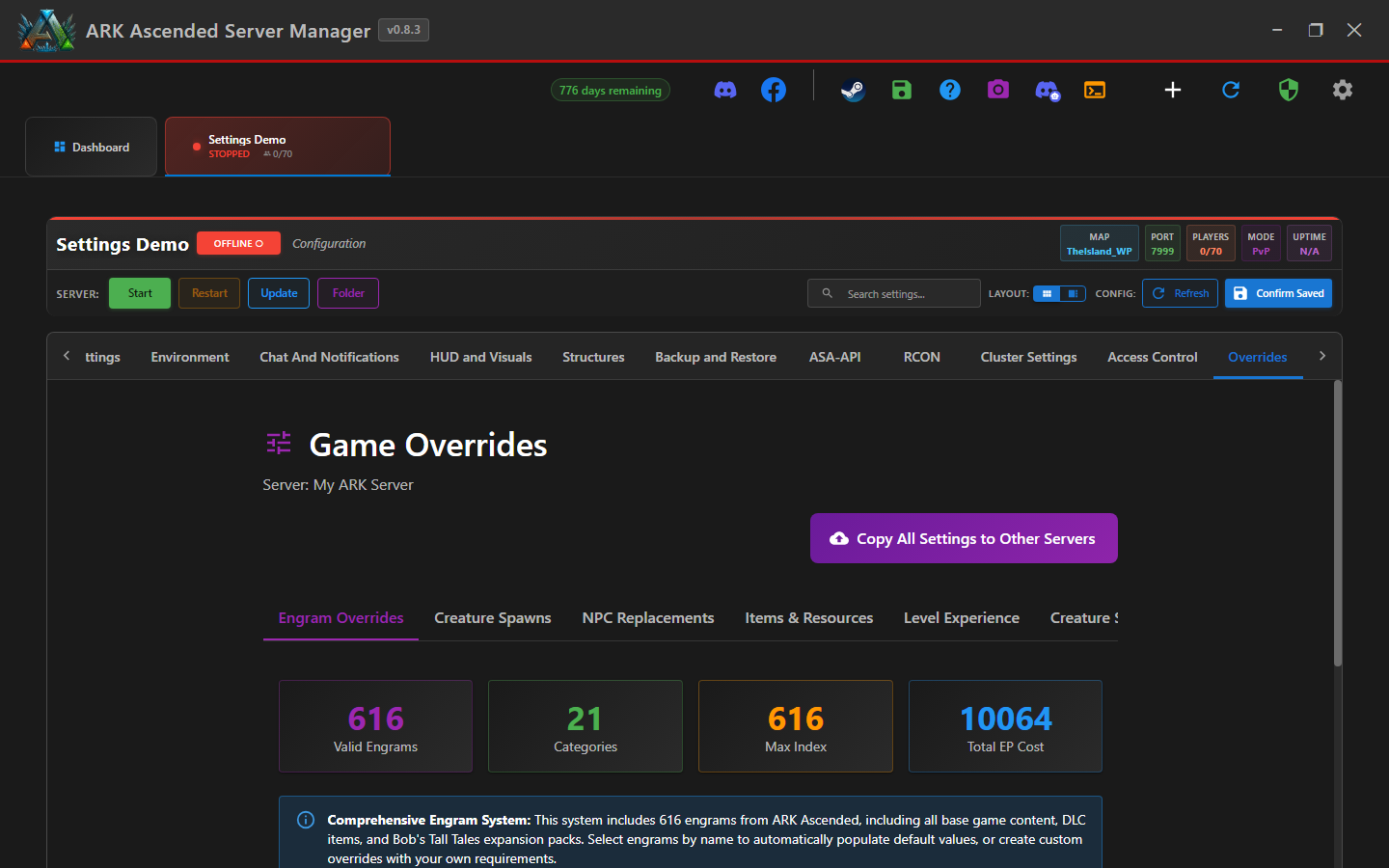
Step 3 - Save and restart
Click Confirm Saved. AASM merges your overrides into Game.ini at write time. Restart the server for ARK to pick up the changes.
Watch the server log on first restart after a Game.ini change. Malformed lines silently fail or crash the server on load. Tail the log and look for "Loading config..." errors.
Editing Game.ini - done
Game.ini work is rare but powerful. Stick to community-tested override snippets first; build your own only when you understand the syntax. Snapshot your config before/after experiments.