
High-population PvP servers and modded servers often need more than one restart per day to keep performance stable. AASM ships an every-X-hours mode that restarts on a fixed interval anchored to a time you choose.
12-hour = twice a day. 8h = three. 6h = four. 4h = six. Down to 2h = twelve restarts per day for the most demanding fleets.
Prerequisites:
- A server already added to AASM.
- You've read Scheduling Daily Restarts for the basic flow - this guide only covers the differences.
Step 1 - Open Maintenance → Maintenance & Management
Same path as the daily-restart guide: server tab → Maintenance sub-tab → Maintenance & Management internal sub-tab.
Flip Scheduled Restarts on in the Quick Settings card if you haven't already.
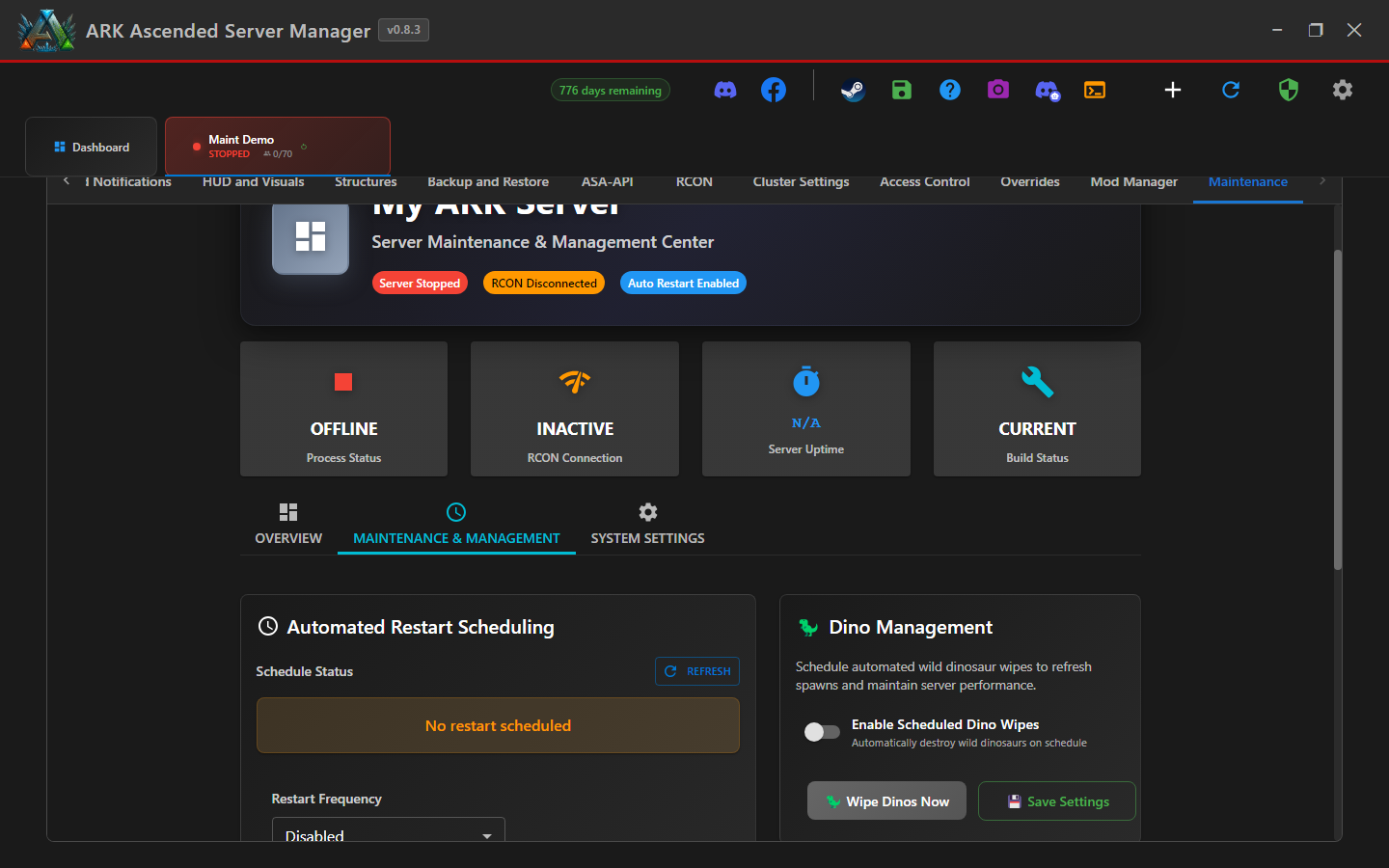
Step 2 - Set Restart Frequency to Multiple Times per Day
In the Automated Restart Scheduling card, change the Restart Frequency dropdown to Multiple Times per Day. The card expands to expose two new fields: Hours Between Restarts and Anchor Time.
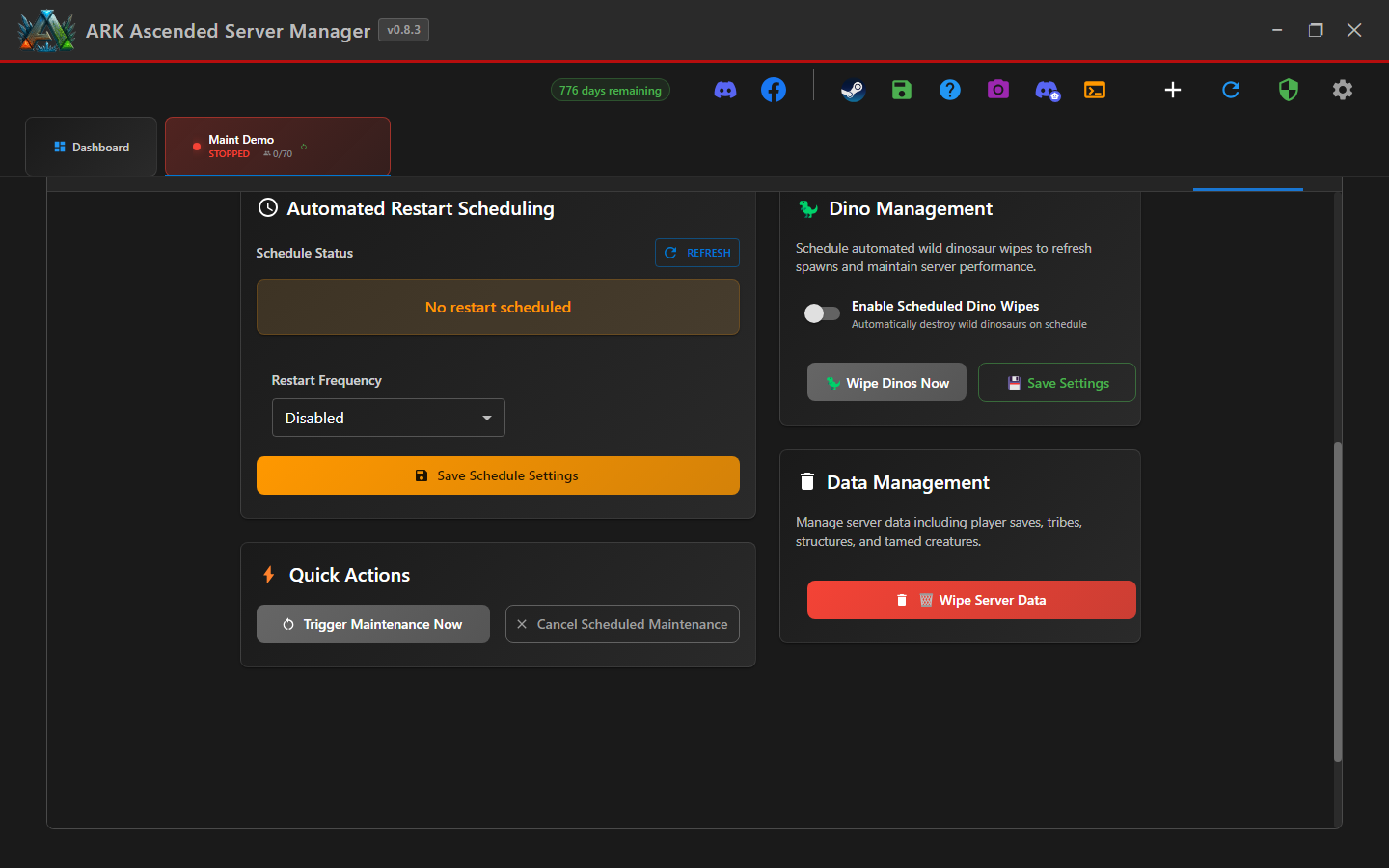
Step 3 - Pick the interval
Set Hours Between Restarts to a value between 2 and 24. Common choices:
| Hours | Restarts/day | Typical use |
|---|---|---|
12 | 2 | Heavily-modded servers, moderate population |
8 | 3 | Active PvP servers |
6 | 4 | High-stress official-like servers |
4 | 6 | Beta-stage or memory-leak-prone mods |
Step 4 - Set the anchor time
The Anchor Time is the reference point AASM uses to lay out the restart schedule. With an 8-hour interval and an anchor of 04:00, restarts land at 04:00, 12:00, and 20:00 every day.
How to pick a good anchor: choose your lowest-population hour. With an 8h interval anchored at 04:00, the late-evening restart lands at 20:00 - busy peak. With anchor at 02:00 it lands at 18:00 instead. Try both and check your join/leave logs to see which restarts least disrupt players.
Step 5 - Save and verify the schedule
Click Save Schedule Settings. The Schedule Status banner now shows the countdown to the next restart in the cadence you set.
Sanity-check the next several restarts: after saving, refresh the page and confirm the time matches what you expected. A guard introduced in v0.8.3 prevents an older anchor-time bug, but it is still worth checking the resulting schedule.
Multiple-Times-Per-Day Restart Scheduling - done
Your server will restart on the cadence you set, anchored to the time of day you chose. Combine with auto-update on restart so each cycle also pulls the latest ARK server build.