
An ARK server has three separate access controls layered on top of the regular server password (if any):
- Admin Password - lets a connected player run admin/cheat commands via in-game UI or chat
- Spectator Password - lets a connected player enable spectator mode (fly around invisibly)
- AllowedCheaterSteamIDs - persistent list of Steam IDs that auto-receive admin status on connect (no password needed)
Prerequisites:
- A server already added.
- AASM admin or operator role.
Step 1 - Open Player Settings
Server tab → Player Settings sub-tab. Scroll to the passwords section.
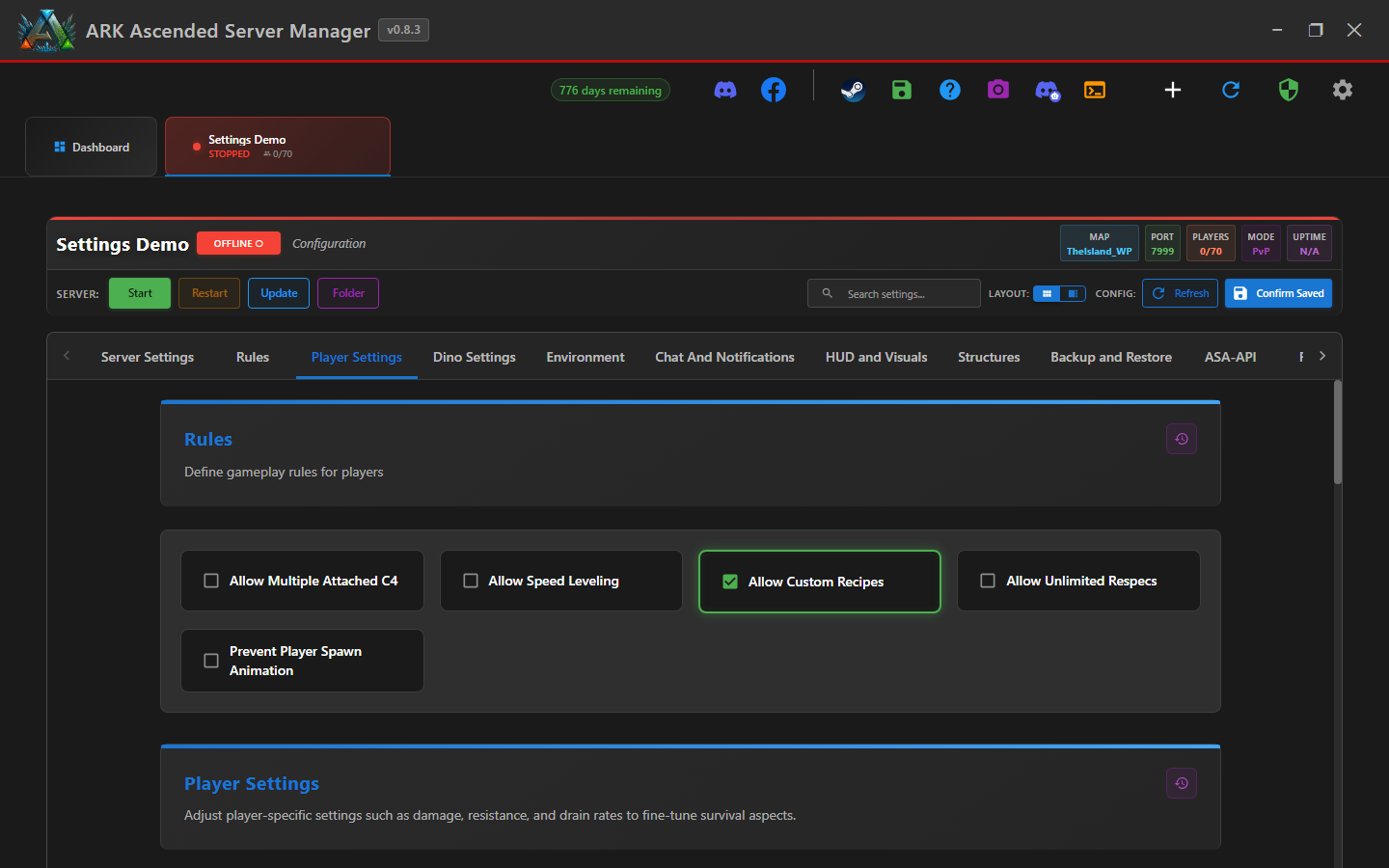
Step 2 - Set the Admin Password
In-game, a player runs enablecheats <password> with this password to unlock admin commands. Use a strong password - 16+ characters, mixed case + symbols. This is also the RCON password.
The admin password = the RCON password. If you change one, you change both. Update any saved RCON profiles (ASA RCON Manager, mobile app) afterwards. v0.8.2 added BUG-50 fix to suppress this password from the launch CLI args - earlier builds could leak it in process listings.
Step 3 - Set the Spectator Password (optional)
Spectator mode lets a player fly around invisibly - useful for streamers covering events or referees on PvP servers. Use a SEPARATE password from admin (don't share admin password to grant spectator access).
If you leave this blank, spectator mode is disabled entirely.
Step 4 - Use AllowedCheaterSteamIDs for trusted admins
Rather than telling co-admins the password, add their Steam IDs to AllowedCheaterSteamIDs.txt. The Access Control sub-tab has the UI for this:
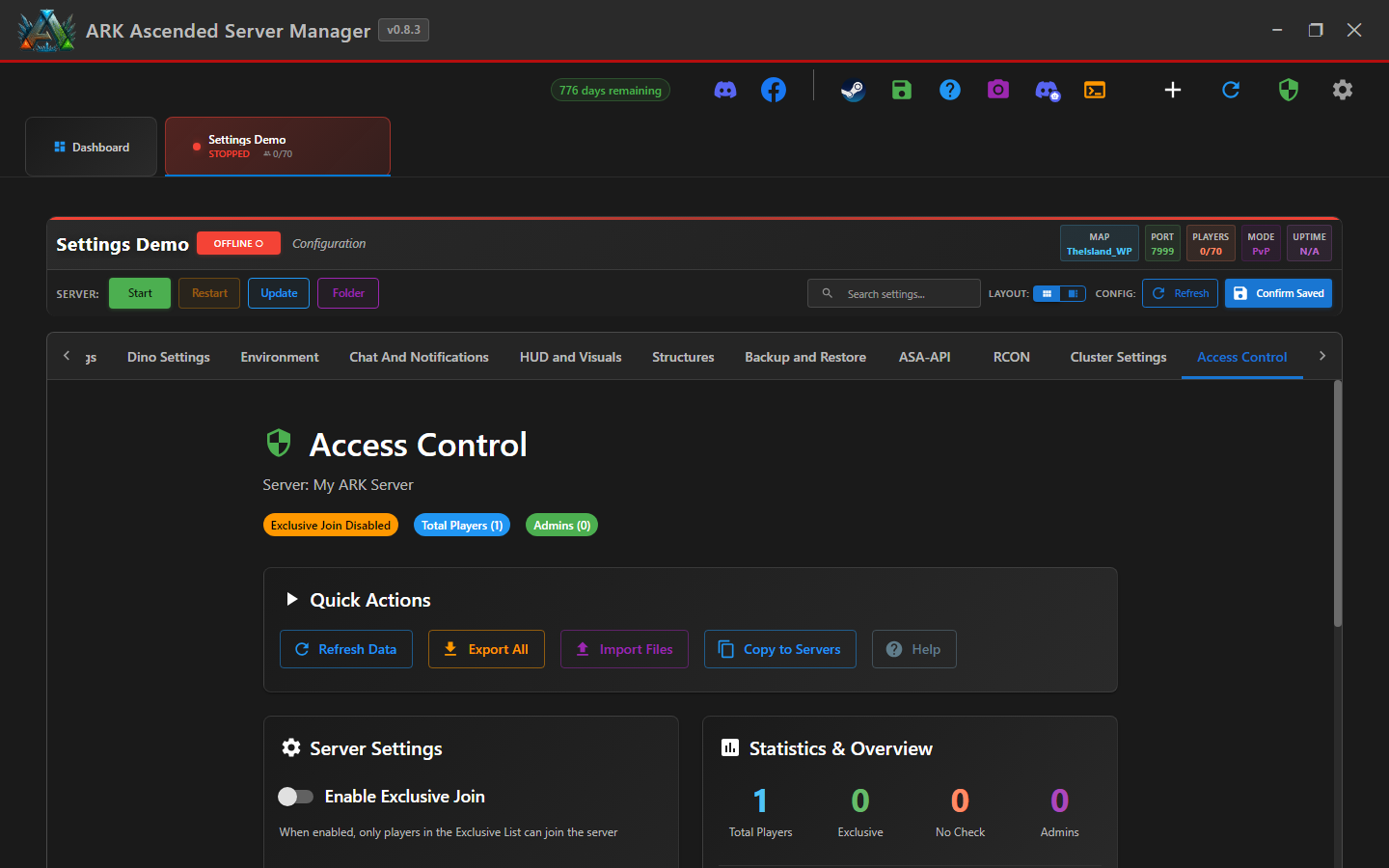
Step 5 - Save and restart
Click Confirm Saved. Restart the server. Until restart, the old passwords are still active.
Step 6 - Rotate passwords periodically
Best practice: rotate admin/spectator passwords every few months and whenever someone leaves the admin team. Use a password manager so you don't end up with the same password on every server.
Admin and Spectator Passwords - done
You've set up three layered access controls. Use AllowedCheaterSteamIDs for trusted admins (no password sharing) and rotate passwords on a schedule.